
New
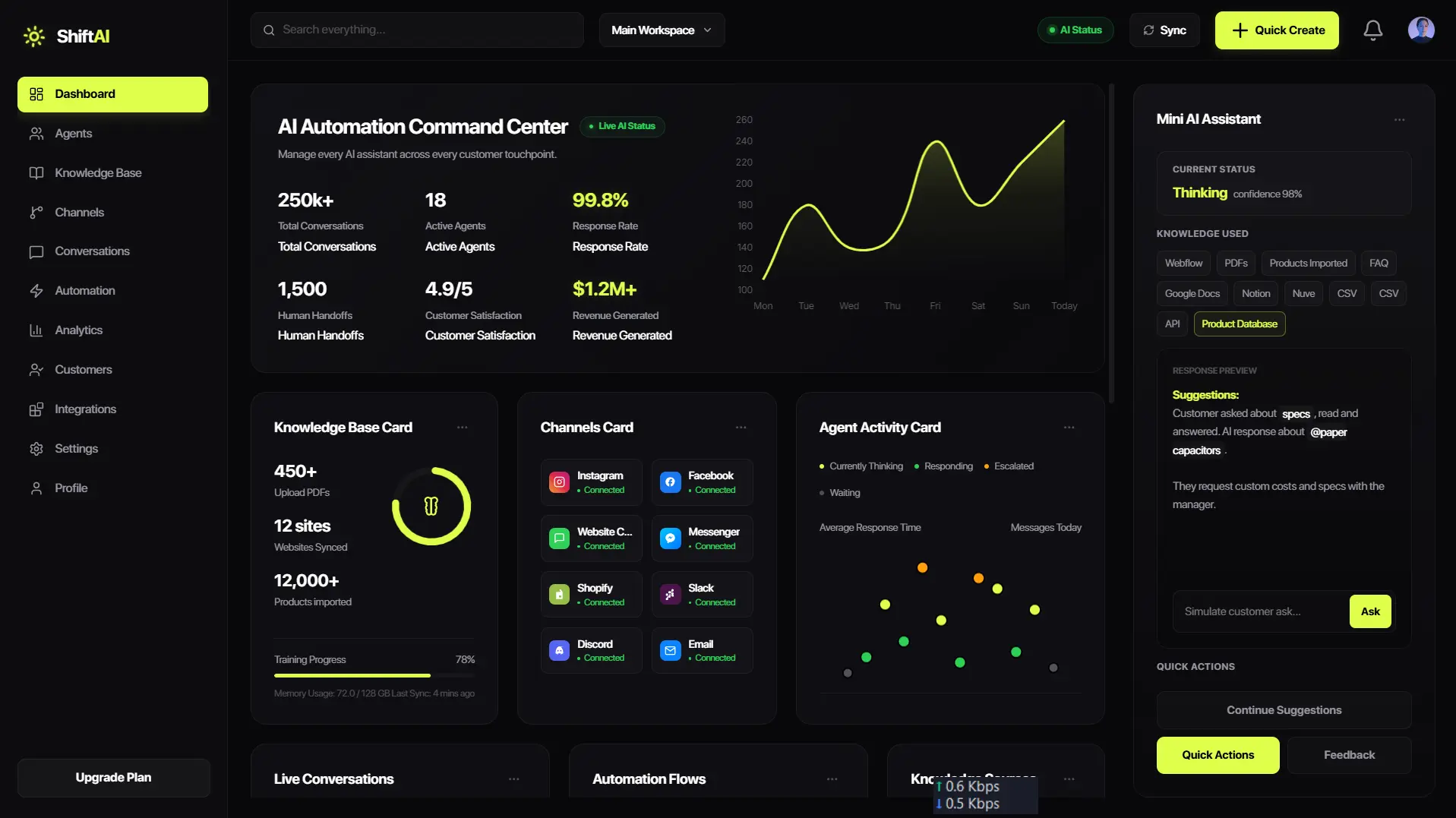
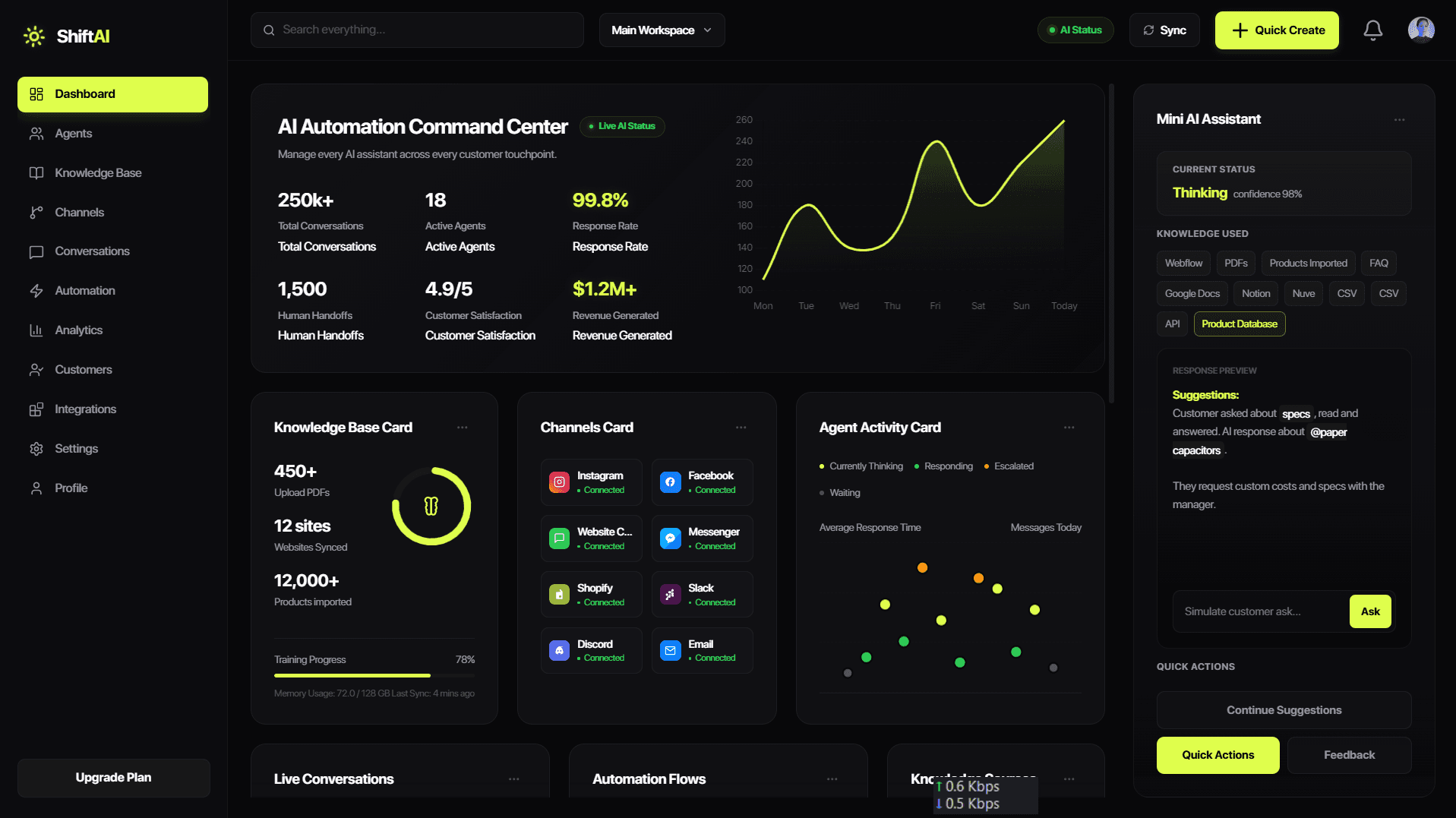
Run your entire customer experience on one AI system
Train once. Deploy everywhere. Support, sales, and operations — all handled by one intelligent system.
No credit card required
Setup in minutes

Integrates with your stack
WhatsApp
Instagram
Website



PROBLEM
Every unanswered query is a lost sale.
Leads go cold in minutes. Carts get abandoned overnight. Customers who can’t get instant answers buy from someone who gives them one.
Abandoned carts
Most carts are abandoned when customers wait for answers across web and WhatsApp.
Cold leads
Qualified buyers disappear when follow-up depends on manual sorting.
Delayed replies
Support queues pile up when intent and ownership are unclear.
Missed after-hours revenue
After-hours questions turn into lost revenue without an always-on response layer.
SOLUTION
Your entire business. One intelligent system.
Stop switching tools. Start executing with AI.
Your AI
Operating System
Live
Auto-resolved
Queries handled without human intervention
Performance

<5
Average response time
Always on · 24/7 uptime
Agent Command Center
Live actions across every industry
Live

Enrolled new member in 7-day trial pass

Slack
FITNESS

Scheduled demo with sales, calendar held

Website
SaaS

Reservation confirmed Fri 8PM. 4 guests

HOSPITALITY
Performance
Trained on your data
Website pages
Auto-crawled

Documents
PDF, DOCX

Google Drive
Synced

Notion
Synced

FAQs & help docs
Imported

Connect Everything
250+ integrations. Zero friction.
Auto-resolved
Queries handled without human intervention
WORKFLOW OS
Every request lands, routes, and resolves in one operating layer.
Replace scattered tickets, status pings, and manual follow-ups with a command center that keeps every team aligned from intake to close.
Live resolution loop
Capture
Unify forms, chats, emails, and internal asks into one prioritized intake stream.
Classify
AI detects intent, urgency, ownership, and missing context before work begins.
Route
Send the right task to the right owner with SLA, playbook, and context attached.
Resolve
Automate replies, next actions, approvals, and handoffs while keeping humans in control.
WORKFLOW OS
Trusted by modern teams
Teams use StepsAl to move faster, reduce work, and make better decisions
64%
faster first response across priority queues
18h
saved weekly per operations lead
92%
of handoffs include owner, context, and next step


BUILD FOR EVERY TEAM
PRICING
Starter
For small teams replacing manual status checks.
$29
/seat
Start free
3 team workflows
Basic routing rules
Shared task timeline
MOST POPULAR
Growth
For scaling teams standardizing cross-functional work.
$79
/seat
Book a demo
Unlimited workflows
Advanced automation rules
Industry playbooks and insights
Priority support
Scale
For enterprises with compliance and custom rollout needs.
Custom
Contact sales
Dedicated success architect
Custom governance controls
Security review and SSO
FAQ
What teams ask before switching to WistAI
Clear answers for teams ready to consolidate work, automate handoffs, and move with more confidence.
What is Framer?
Framer is a no-code tool for building and publishing responsive websites—perfect for anyone creating modern, high-performance pages without coding.
Do I need to know how to code to use Framer?
Framer is fully visual with no code needed, but you can still add custom code and components for more control if you're a designer or developer.
What is this FAQ component?
This is a free, responsive FAQ section for Framer. Drop it into any project, customize styles and text, and use it to save time on support or info pages.
How do I add this FAQ component to my project?
After duplicating, copy and paste the component into your Framer project. Then edit the questions, answers, styles, and animations as needed.
Can I customize the design of this component?
Yes, absolutely. The component is built using native Framer tools, so you can tweak fonts, colors, spacing, animations, and layout however you like.
Is this component responsive?
Yes, the FAQ component is fully responsive and adapts seamlessly to desktop, tablet, and mobile screen sizes.

Launch one AI command center for every handoff, queue, and customer request.
Explore the one-page flow, choose the team fit, then start with a focused workflow audit.